AG2 provides GraphRAG integration through agent capabilities. This is an
example utilising the integration of Neo4j’s property graph database
with LlamaIndex’s graph query engine.
AG2 provides GraphRAG integration through agent capabilities. This is an
example utilising the integration of Neo4j’s property graph database
with LlamaIndex’s graph query engine.
To install the LlamaIndex, Neo4j, and document processing dependencies, install with the ‘neo4j’ extra:
Note: If you have been usingautogenorag2, all you need to do is upgrade it using:orasautogen, andag2are aliases for the same PyPI package.
Set Configuration and OpenAI API Key
By default, in order to use LlamaIndex with Neo4j you need to have an OpenAI key in your environment variableOPENAI_API_KEY.
You can utilise an OAI_CONFIG_LIST file and extract the OpenAI API key
and put it in the environment, as will be shown in the following cell.
Alternatively, you can load the environment variable yourself.
Key Information: Using Neo4j with LLM Models 🚀
Important
- Default Models: - Question Answering: OpenAI’s
GPT-4owithtemperature=0.0. - Embedding: OpenAI’stext-embedding-3-small.- Customization: You can change these defaults by setting the following parameters on the
Neo4jGraphQueryEngine:
llm: Specify a LLM instance with a llm you like.embedding: Specify a BaseEmbedding instance with a embedding model.- Reference
Create a Knowledge Graph with Your Own Data
Note: You need to have a Neo4j database running. If you are running one in a Docker container, please ensure your Docker network is setup to allow access to it. In this example, the Neo4j endpoint is set to host=“bolt://172.17.0.3” and port=7687, please adjust accordingly. For how to spin up a Neo4j with Docker, you can refer to this We initialise the database with a Word document, creating the Property graph in Neo4j.A Simple Example
In this example, the graph schema is auto-generated. Entities and relationship are created as they fit into the data LlamaIndex supports a lot of extensions including docx, text, pdf, csv, etc. Find more details in Neo4jGraphQueryEngine. You may need to install dependencies for each extension. In this example, we needpip install docx2txt
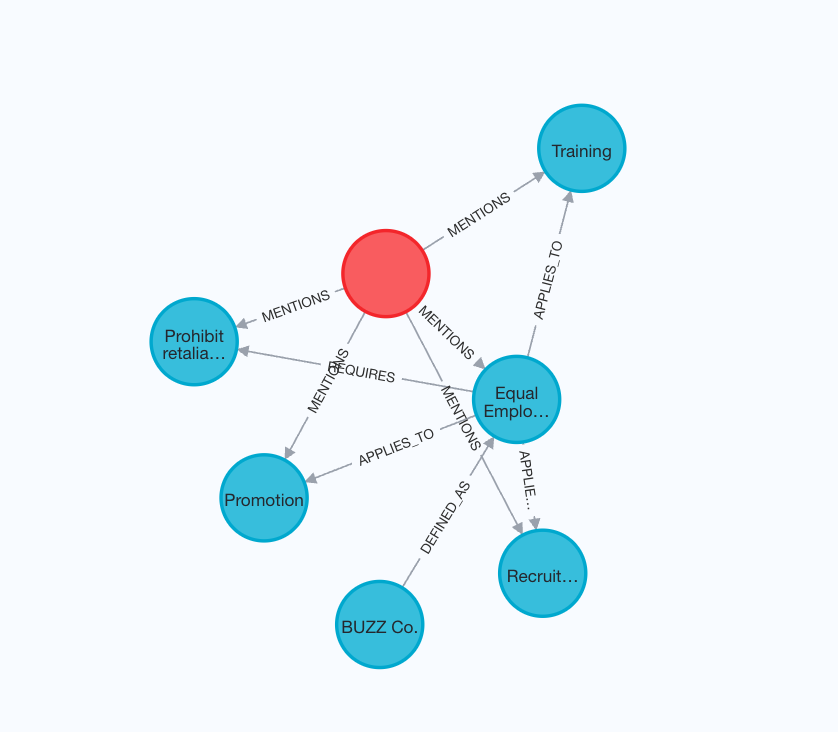
We start by creating a Neo4j property graph (knowledge graph) with a
sample employee handbook of a fictional company called BUZZ
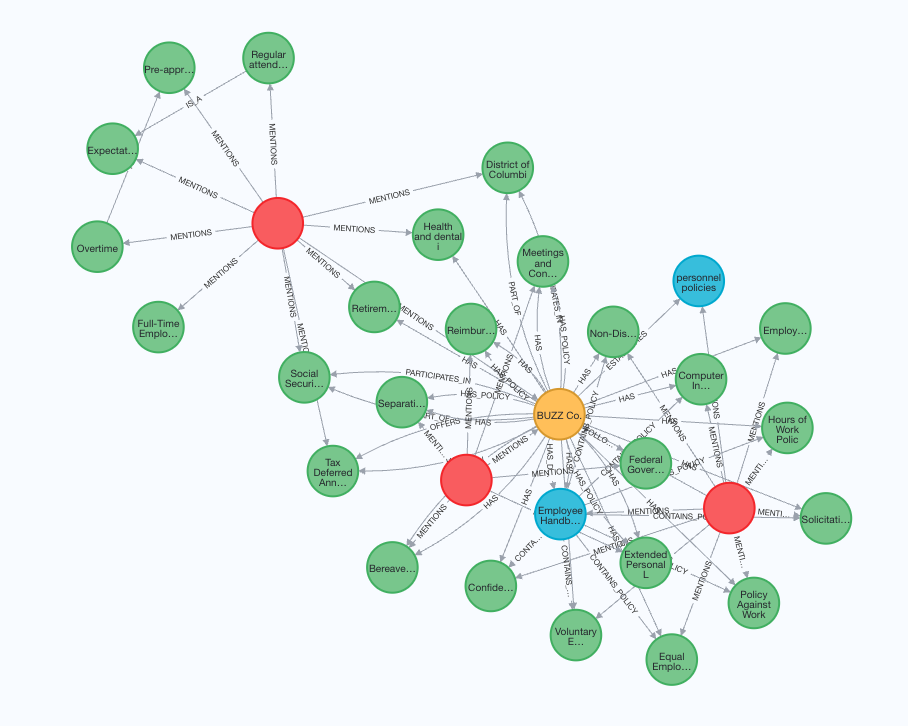
Add capability to a ConversableAgent and query them
Notice that we intentionally moved the specific content of Equal Employment Opportunity Policy into a different document to add laterRevisit the example by defining custom entities, relations and schema
By providing custom entities, relations and schema, you could guide the engine to create a graph that better extracts the structure within the data. We setstrict=True to tell the engine to only extracting allowed
relationships from the data for each entity
Create the query engine and load the document
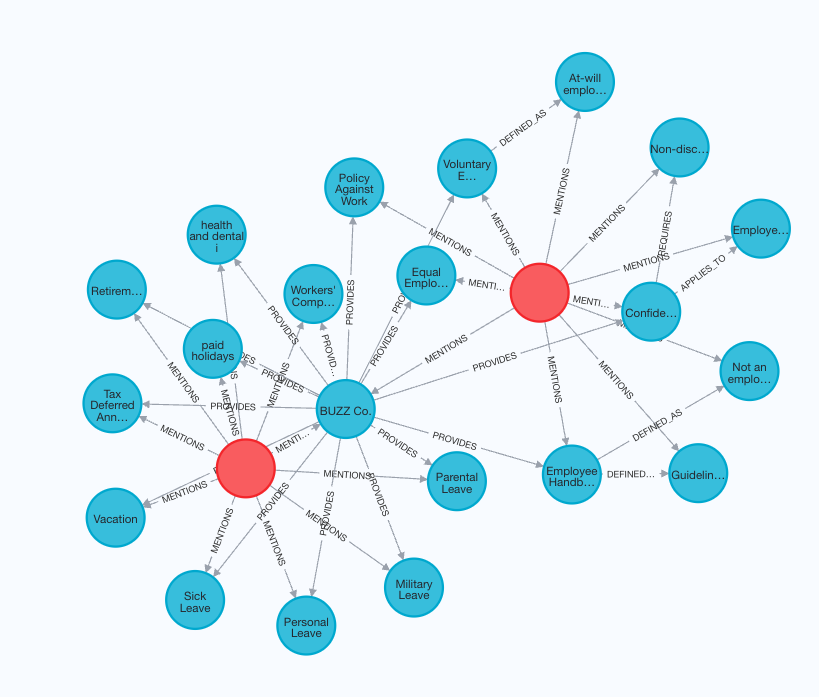
Add capability to a ConversableAgent and query them again
You should find the answers are much more detailed and accurate since our schema fits wellIncrementally add new documents to the existing knoweledge graph.